Comparing Classification of Record Versions
The records are versioned as and when the data or classification is changed.
- Procedure
- Click Browse and Search.
- From the Repository Name drop-down list, select the name of the repository in which you want to compare records.
- Click View All. A list of records is displayed.
- Select a record whose versions you want to compare. The details of the record are displayed. The View Record page is displayed.
- Click
 . The Compare Versions page is displayed.
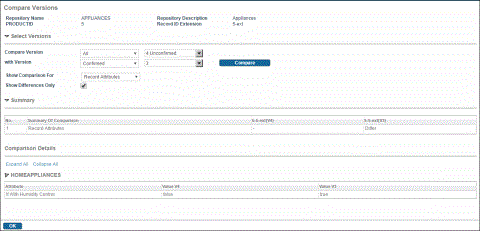
- Select the
Classifications option from the Show Comparison For drop-down list. The
Compare button is displayed in the Select Versions section.
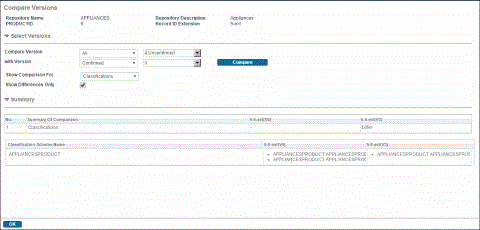
Differences are displayed in the Summary section. You can also select the All option to compare all properties of a record including classification.
For more information about comparing versions of a record, see Comparing Versions of a Record.
You can also view the change in versioning using the CompareRecord activity in the workflow. For information, see Workflow Reference on the TIBCO MDM product documentation page.